You can now connect your HubSpot to Veertly Events to create automation workflows.
This is an optional feature. To enable it, please ask your sales representative or write a support ticket.
Install a connection:
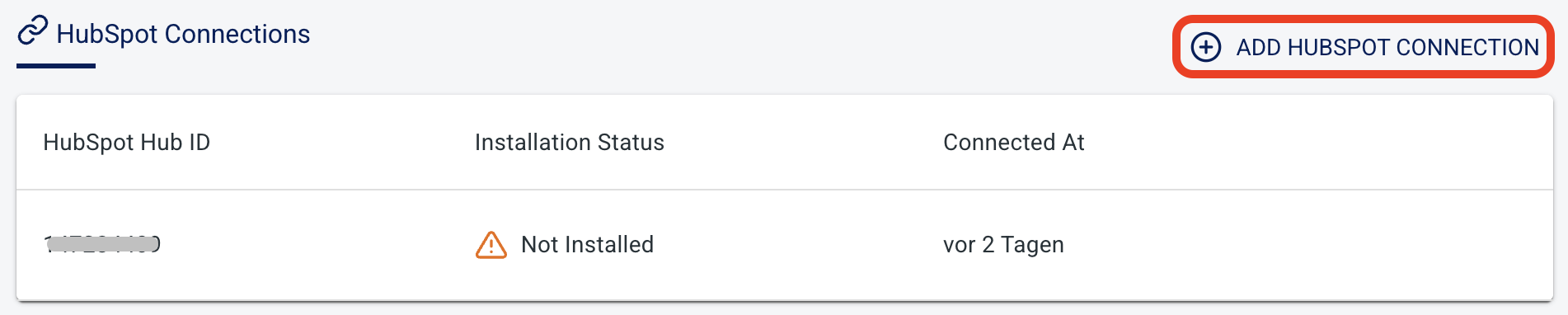
Once HubSpot connections are enabled for your subscription, you can see the "HubSpot Connections" section in your subscription dashboard ("My subscription").
Click "Add Hubspot Connection"
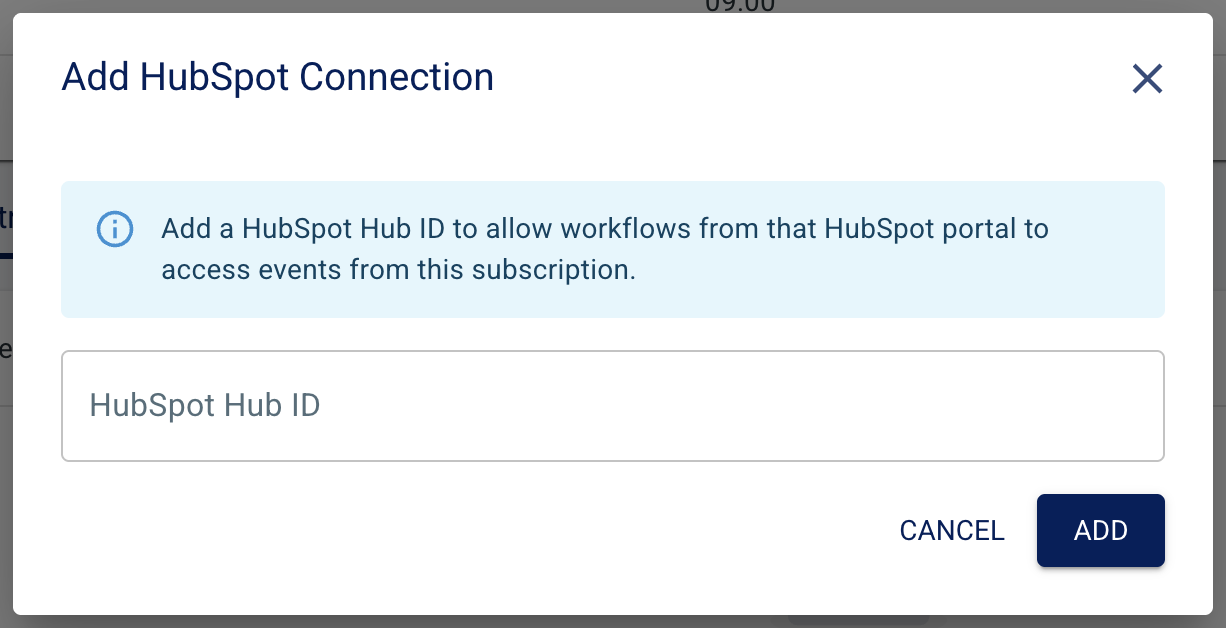
Enter your HubSpot Hub ID and click "ADD"
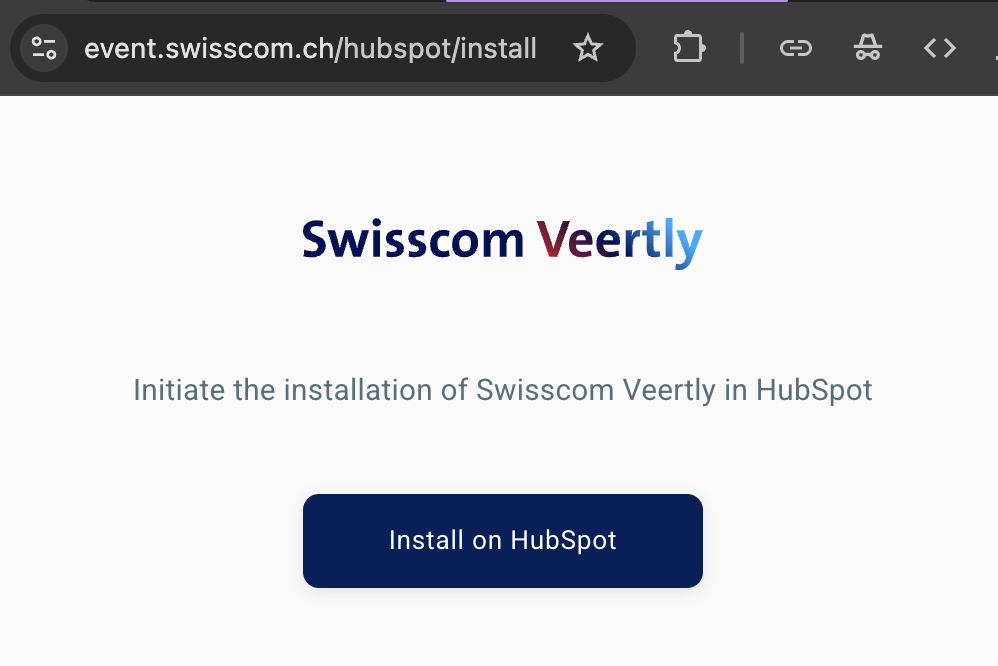
Then go to event.swisscom.ch/hubspot/install (while still logged in) and initiate your installation by clicking on "Install on HubSpot"
If not logged in yet, you are asked to login to your HubSpot account.
When logged in you will see the following prompt, where you can select the according account
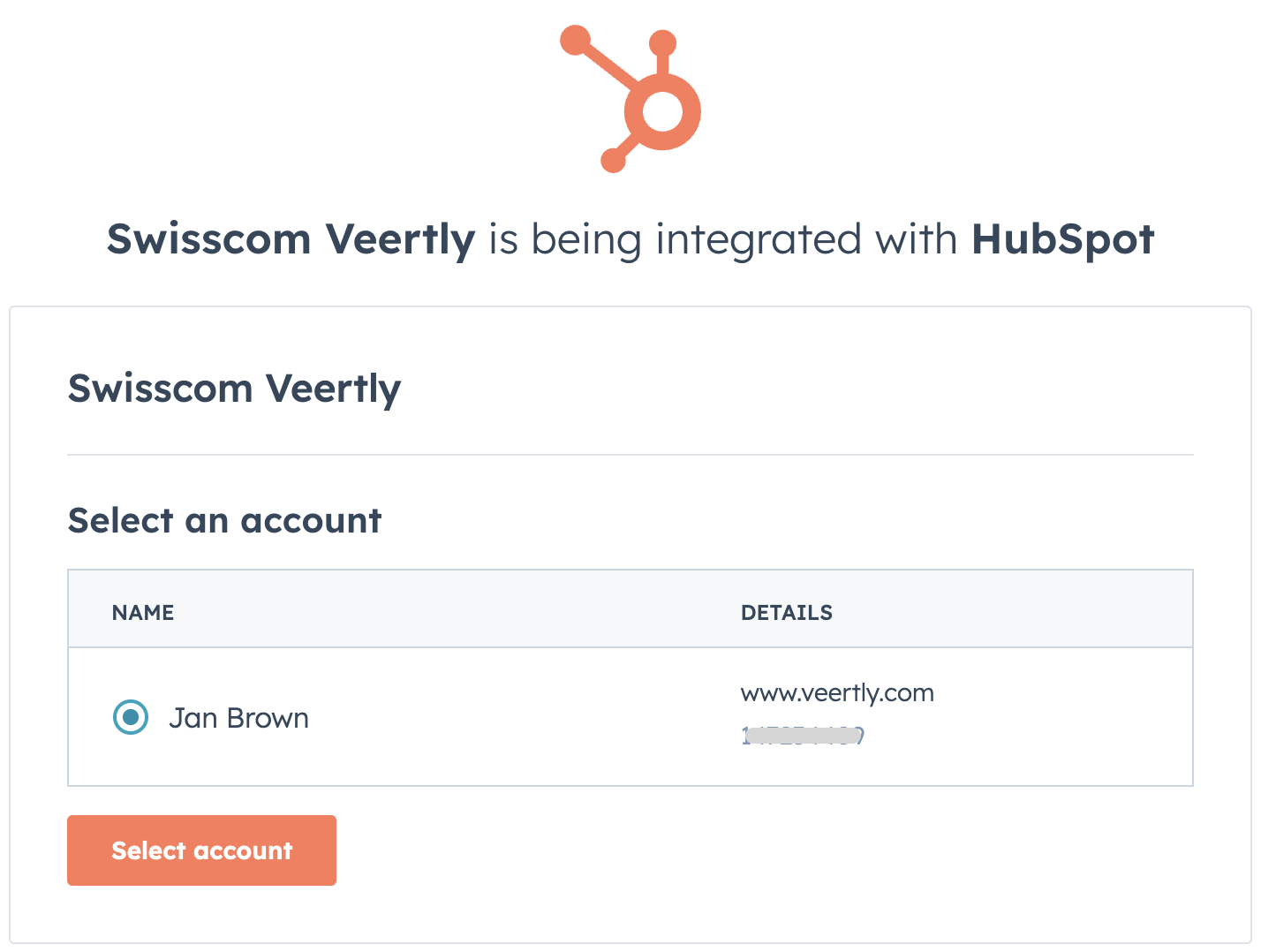
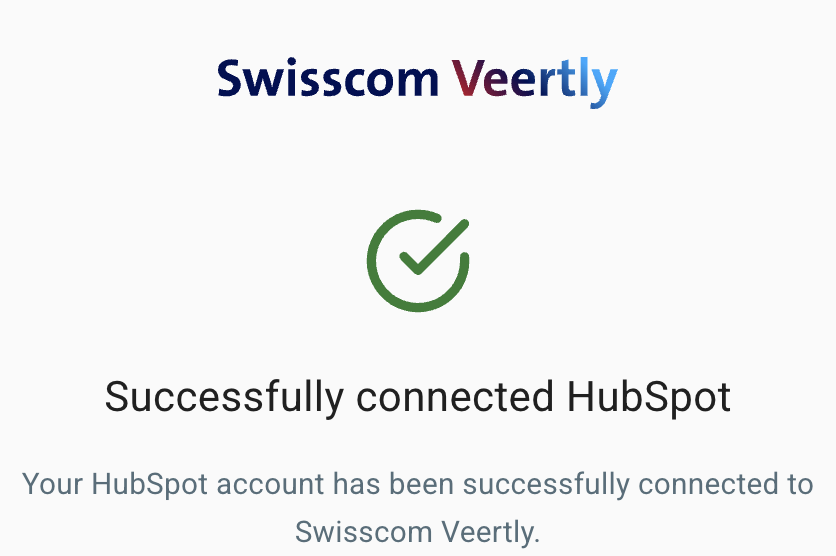
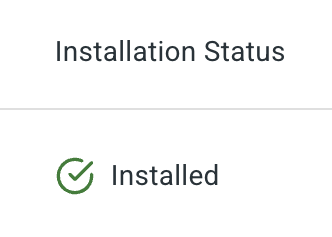
When succeeded, you should see the following message, and afterwards you should see in the Veertly subscription dashboard, that the installation status has changed to "installed"
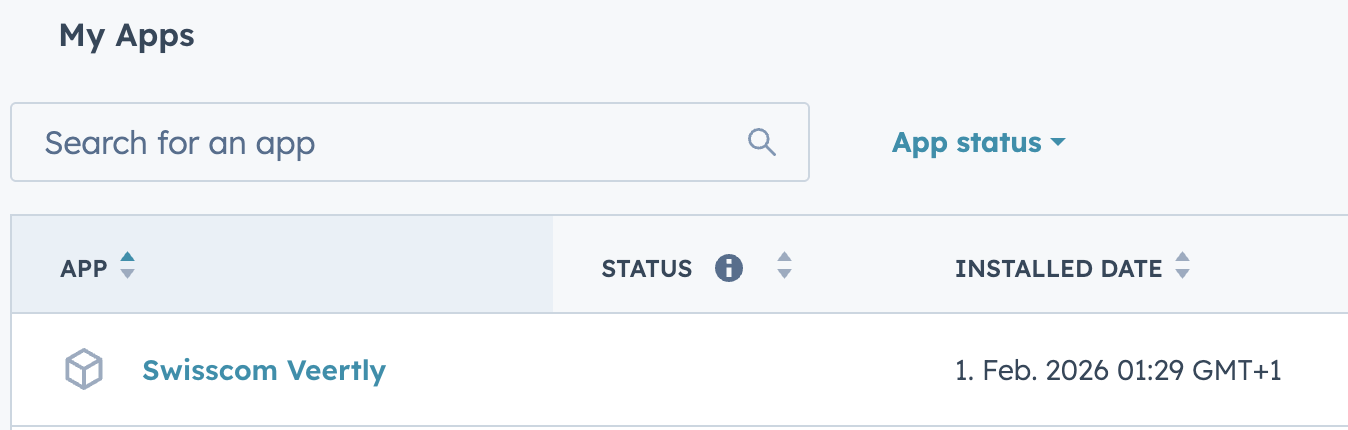
You can now also see the Veertly connection under your connected apps in HubSpot
Create Workflows in HubSpot:
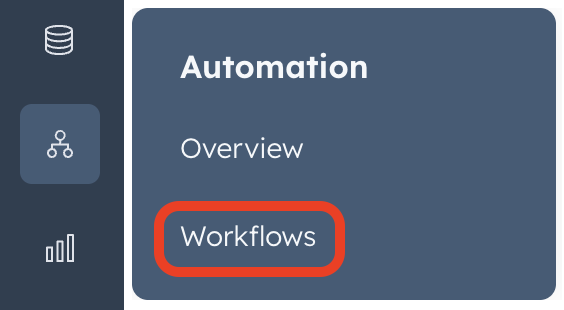
Navigate to Workflows in HubSpot and create a workflow
create your desired trigger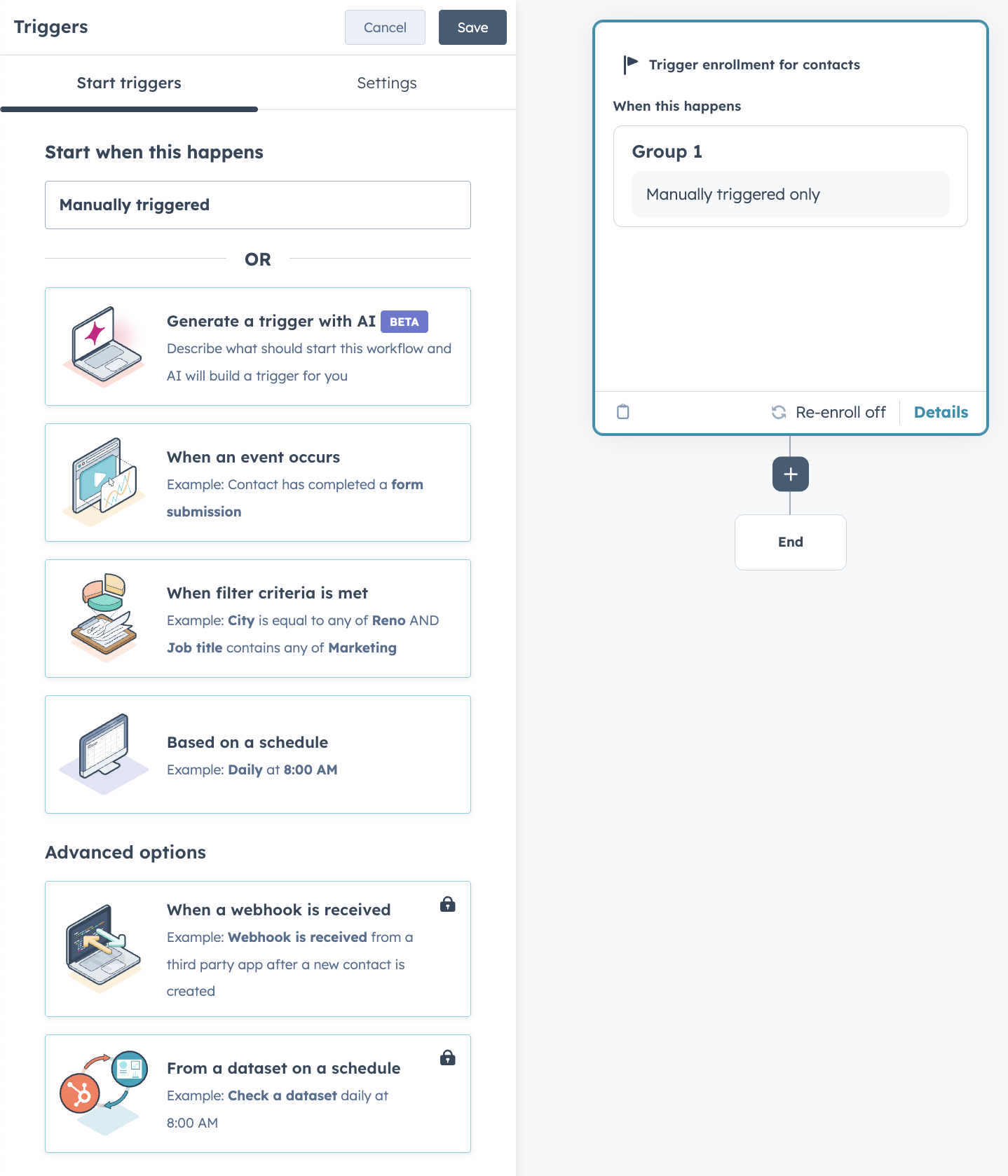
Then you can add one of the two veertly actions.
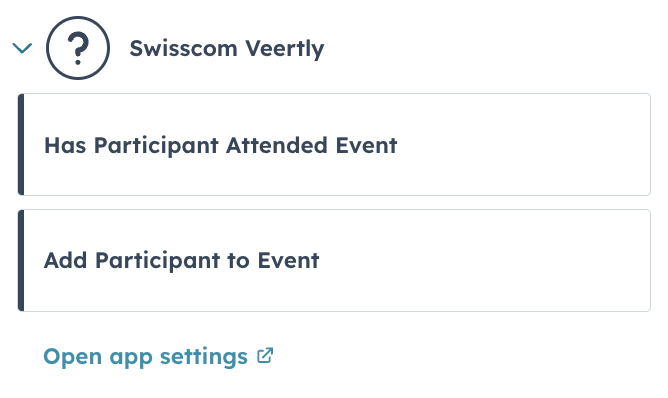
"Has Participant Attended Event"
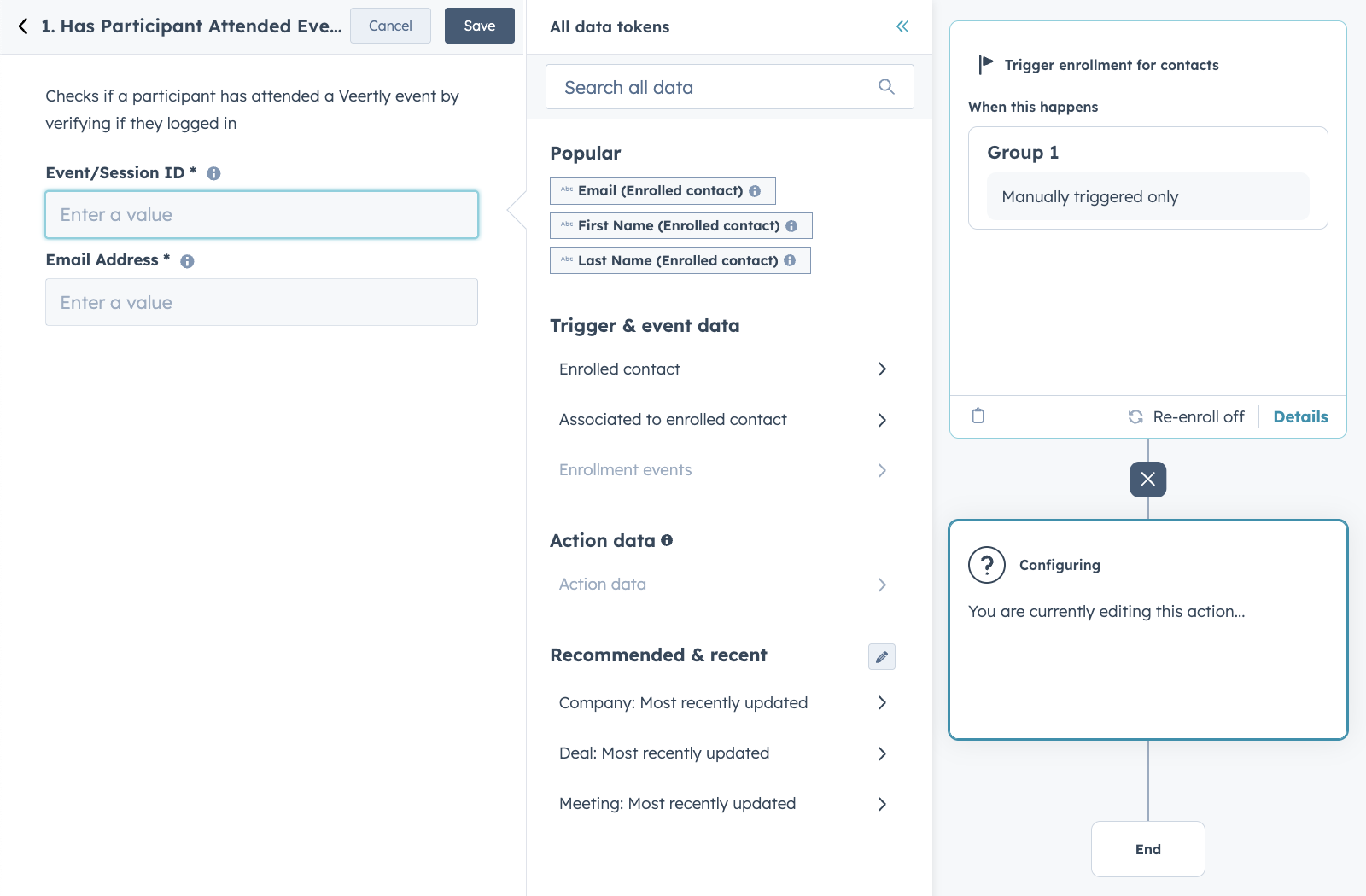
Full Workflow Example:
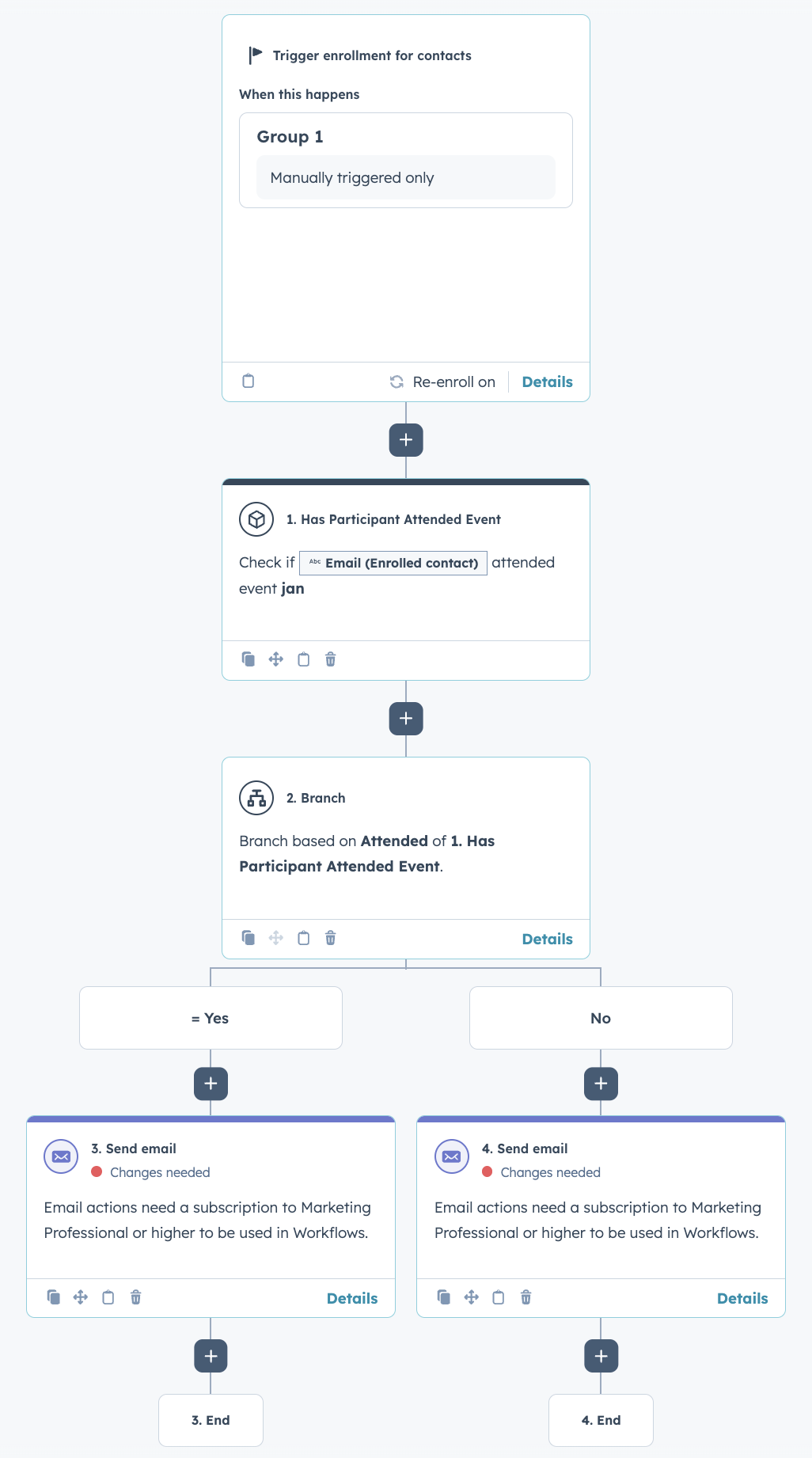
"Add Participant to Event"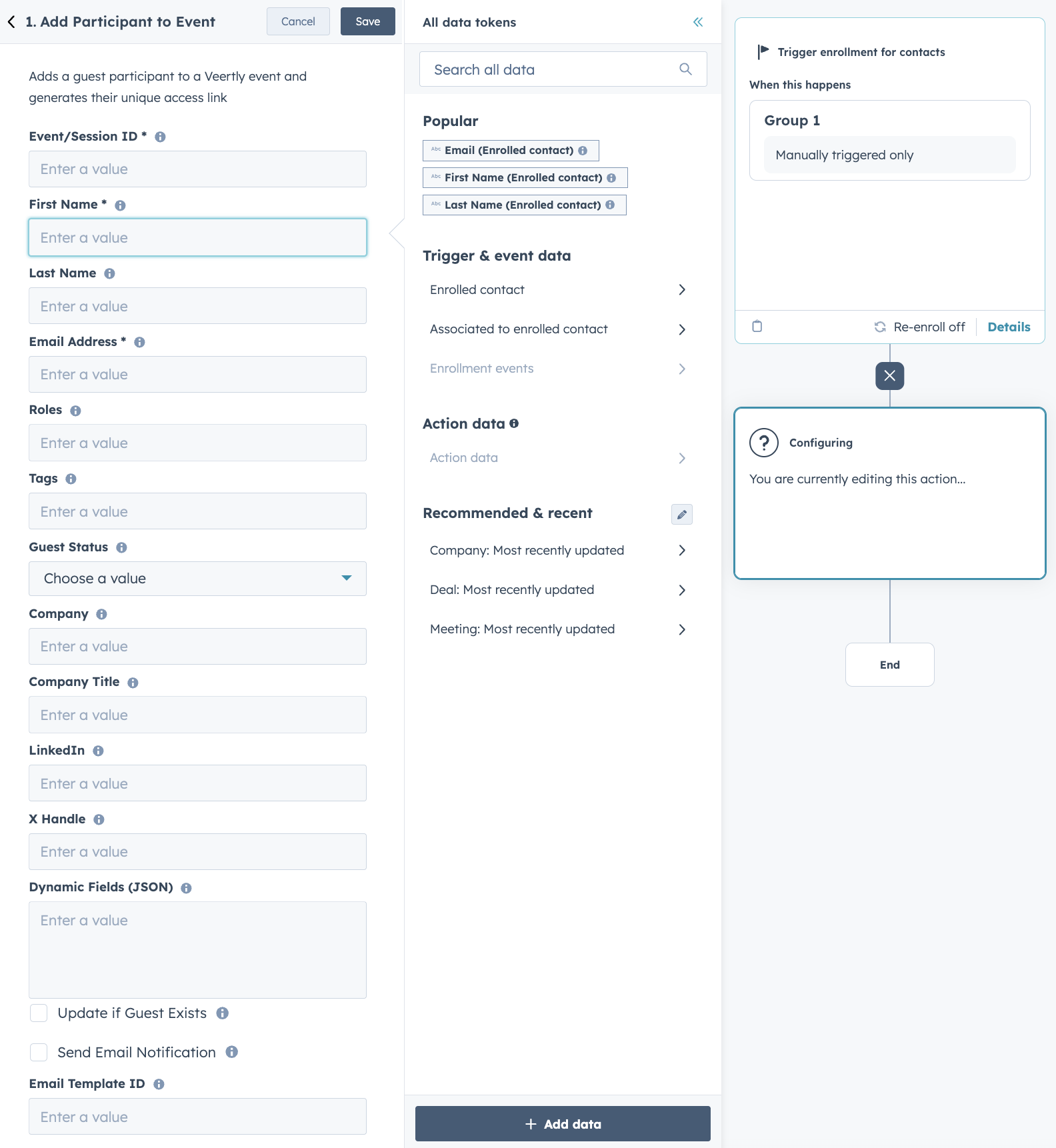
Full Workflow Example: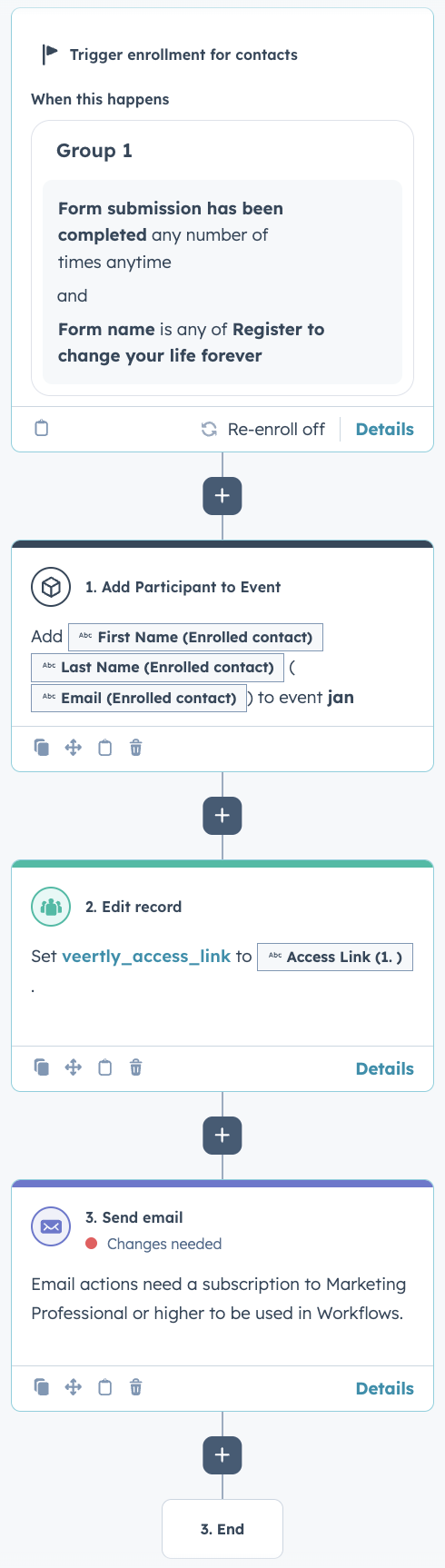
Was this article helpful?
That’s Great!
Thank you for your feedback
Sorry! We couldn't be helpful
Thank you for your feedback
Feedback sent
We appreciate your effort and will try to fix the article